Hi everyone,
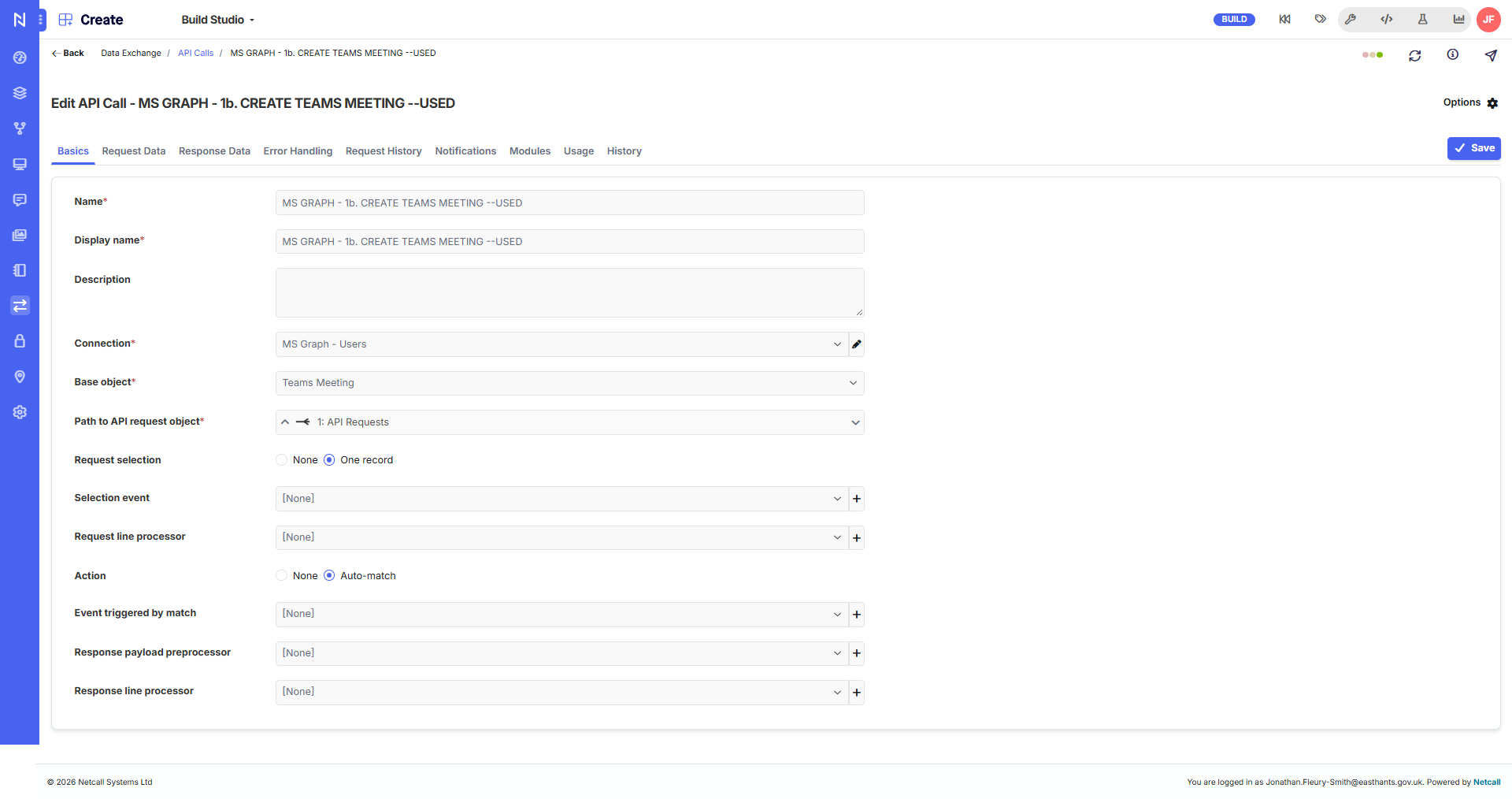
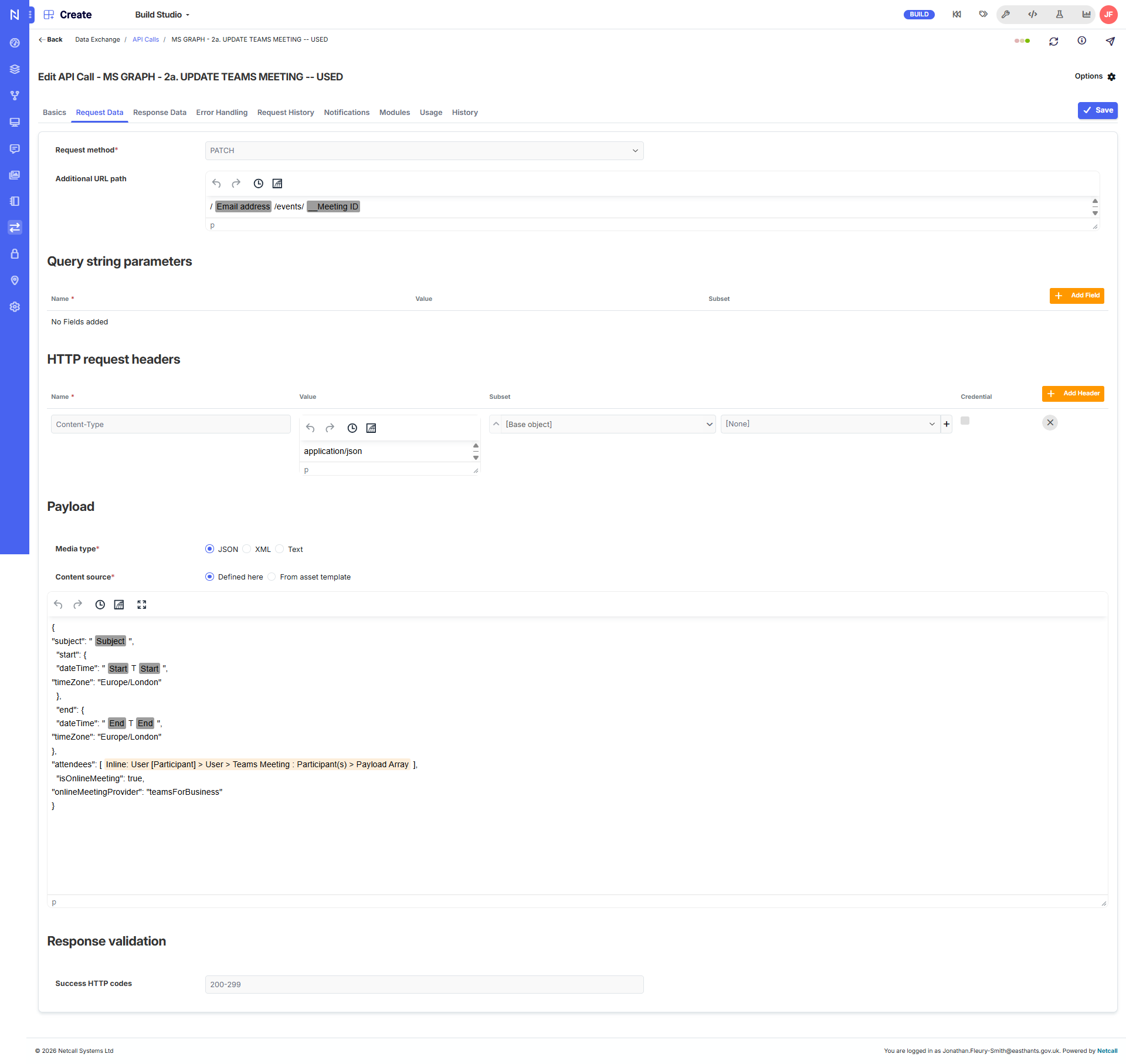
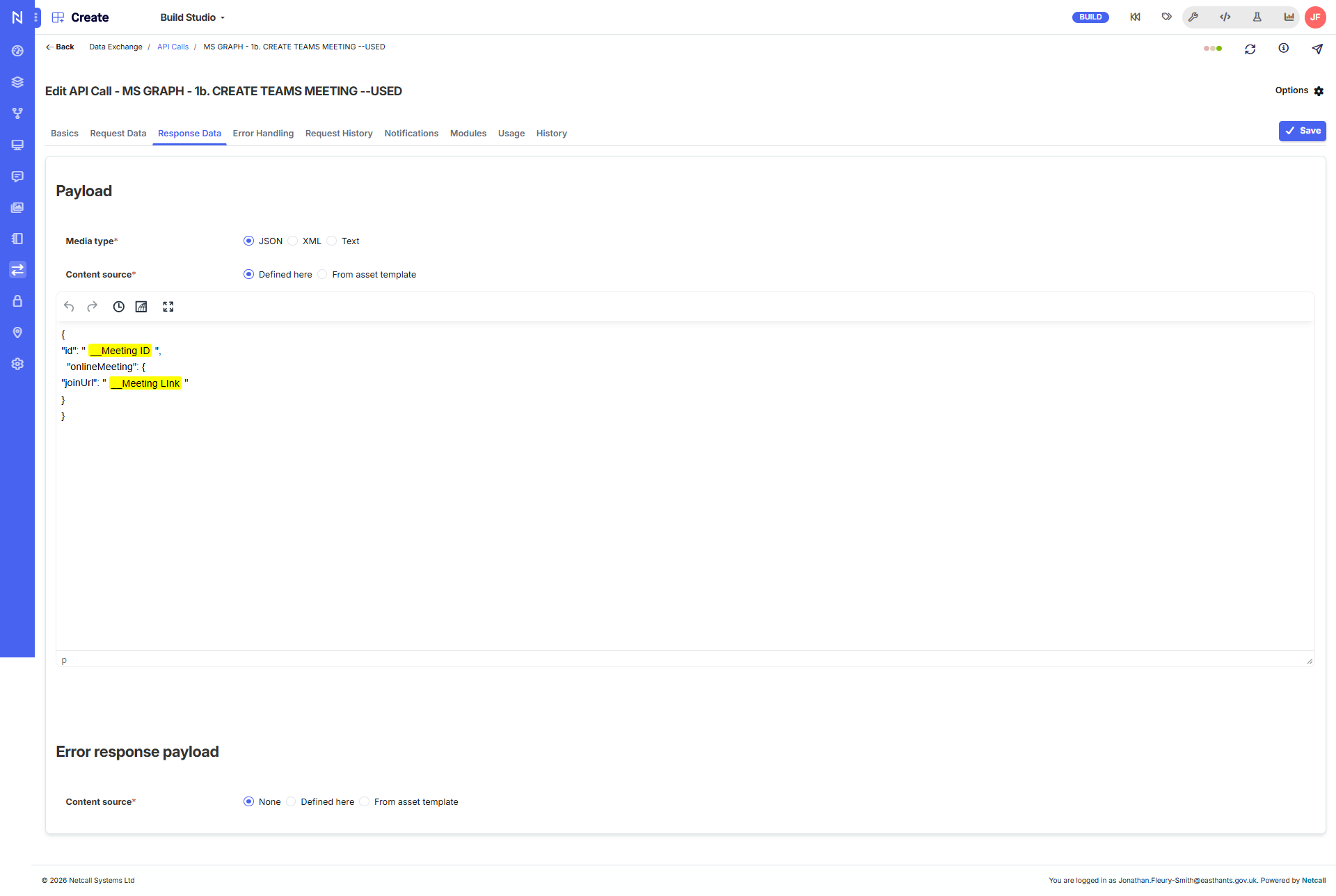
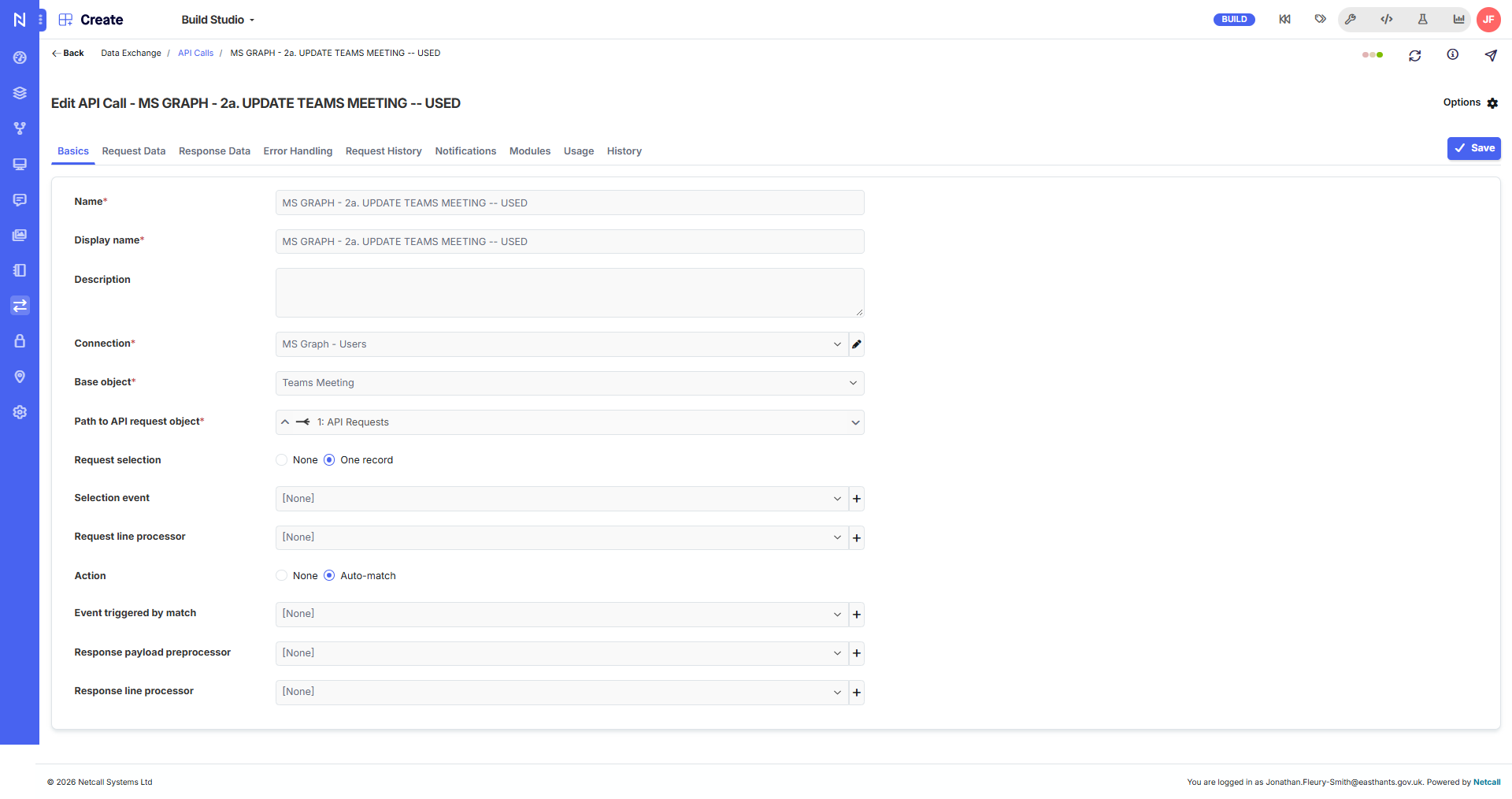
I am setting up the Microsoft Teams & Microsoft Graph API integration in Liberty Create to dynamically generate Teams meetings.
What I have configured so far:
Enabled Microsoft Graph API and Microsoft Teams in Build Studio / System Variables.
Set up the Azure App Registration with Client ID, Client Secret, Tenant ID, and configured Azure Communication Services (Endpoint & Key).
Created a workflow rule triggered upon form submission to generate a Teams meeting link.
The issue:
When the rule executes (specifically when triggered by an unauthenticated / public user form submission), it throws the following error in Create:
Error: Microsoft Teams unable to create meeting - Record [ID]
Questions:
Since this is triggered by public forms (no authenticated M365 user session), do we need Application Permissions (OnlineMeetings.ReadWrite.All) in Microsoft Entra ID rather than Delegated permissions?
Where in Liberty Create do we set the Default Host UPN / User Object ID for public submissions so Graph API knows which licensed user calendar to schedule the meeting under?
Does anyone have a step-by-step setup guide or documentation reference for setting up Teams meeting creation for background/public rules?
Any advice or pointers would be greatly appreciated!
Thanks in advance