Hi,
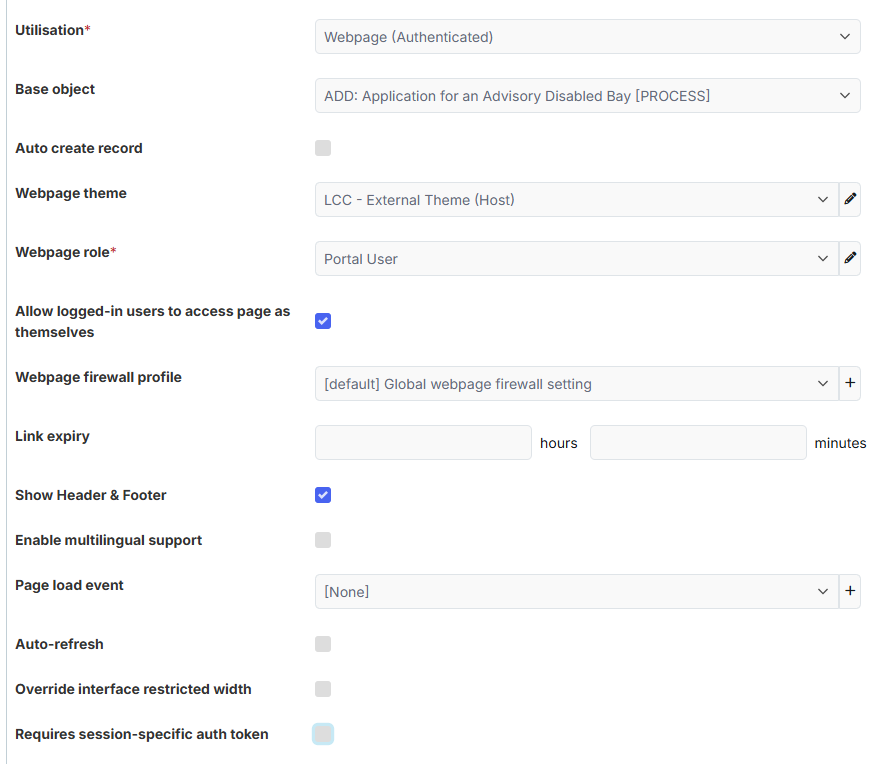
I have a process where a customer submits a form through the portal. The initial customer-facing form is configured as an authenticated webpage, so the customer must log in before they can submit a case.
Once the form has been submitted, the back-office user can review the case and, if required, request additional information from the customer.
The process works as follows:
-
The back-office user selects a field such as “Do you need more information?”
-
If Yes is selected, an email is sent to the customer.
-
The email contains a link to an authenticated webpage where the customer can provide the requested information.
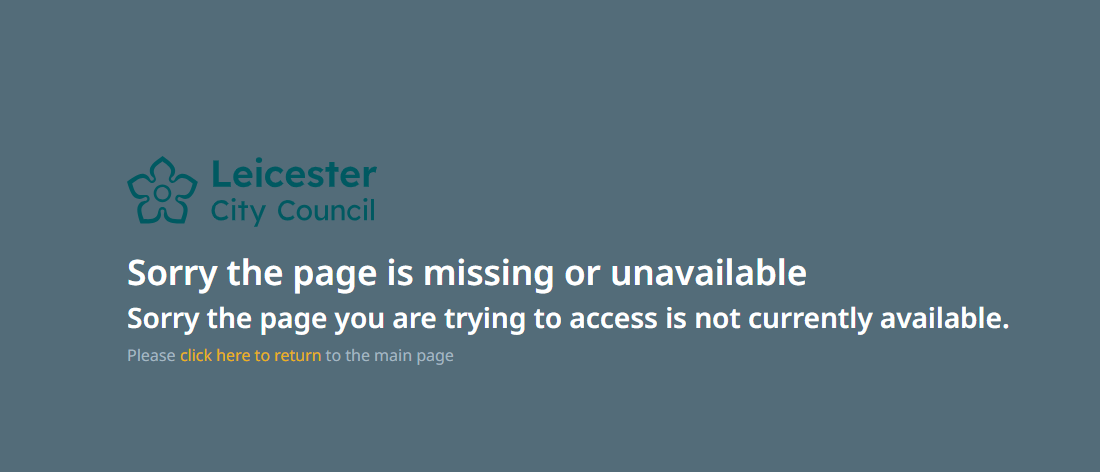
The problem is that when the customer clicks the link in the email, they receive an error instead of being prompted to log in.
Our expectation is that, because the page is authenticated, if the customer is not already logged in, clicking the link should redirect them to the login page. After successfully logging in, they should then be taken to the authenticated webpage referenced in the email.
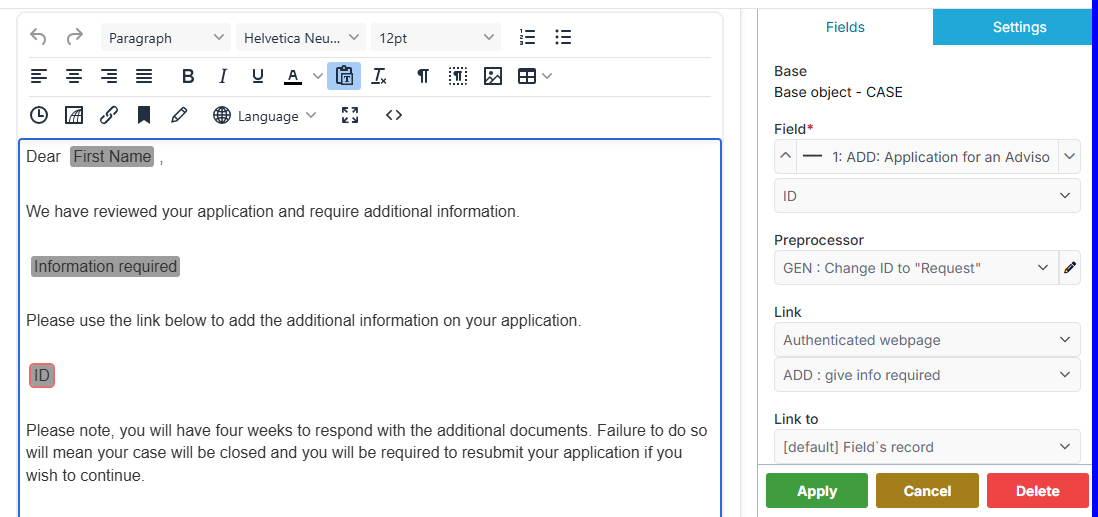
To generate the link in the email, we have configured the field as follows:
-
Base Object:
CASE 1-1 Application for an advisory disabled bay [PROCESS] Object -
Field:
ID -
Pre-processor: Changed the field name to “Please click the link to provide more information.”
-
Link: Authenticated Webpage –
Customer payment page -
Link to:
[Default] Field's record
A link expiry has also been added to the webpage.
We understand that “Requires session-specific auth token” cannot be used with emailed links, as the token is tied to the browser session that generated it.
Our requirement is to email a link to an authenticated webpage, but we also need to ensure that only the customer who originally submitted the application can access that page after logging in.
We have a couple of questions:
-
Is there any additional configuration required to make authenticated webpage links redirect users to the login page first and then return them to the requested page after authentication? Or is there a different recommended approach for this scenario?
-
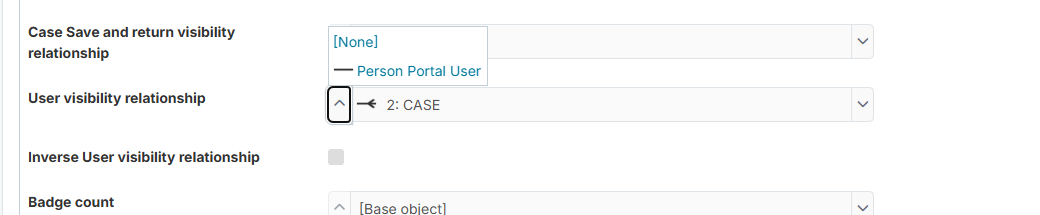
Is it possible to restrict access to the “Need More Information” page so that only the same authenticated user who submitted the original application can access it? We want to ensure that no other authenticated portal user can access the page, even if they somehow obtain the link.
-
Has anyone implemented a similar process where customers receive an email containing a link back to an authenticated webpage after a case has already been created?
Any advice or best practice recommendations would be greatly appreciated.
Screenshots:
Webpage authenticated - More information
Message content - Link to above webpage (authenticated)
Thanks
Amara