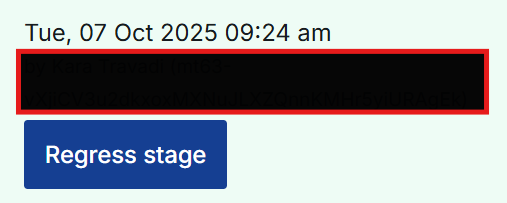
We have internal content design guidelines on how we should format dates. While this is typically simple to implement on other areas and components of Page Builder, I’d like to know how I might be able to change the date next to a completed stage within the Case Stage List widget.
So, in the example below, I’d like to change the default format from ‘Tue, 07 Oct 2025 09:24 am’ to ‘Tuesday 7 October 2025 9.24am’.
Any guidance, and whether this is possible or not, is greatly appreciated. Thanks!
All displayed dates by default will use the format defined in your Locale settings, unless otherwise overridden in fragment settings, or by the user changing their preference.
See Build Studio > Locale, and then the "Default date format” setting (which refers to one of the defined formats in Build Studio > Locale > Date formats). So you can either update the existing Date Format to use the format you desire, or create a new one, which will affect all displayed dates and date/times (unless overriden as above).