Good morning.
We have noticed that our agents are able to delete/discard evaluations which are completed. This is potentially leading to us missing out on discussing some of the key points.
Is there a way I, as the service manager, can view all evaluations completed, regardless of the acceptance/discarding status of the evaluation?
HI Lee, sorry for not coming back sooner on this.
So, the Evaluations Report only shows completed evaluations. So it is not able to provide you with a list of incomplete evaluations.
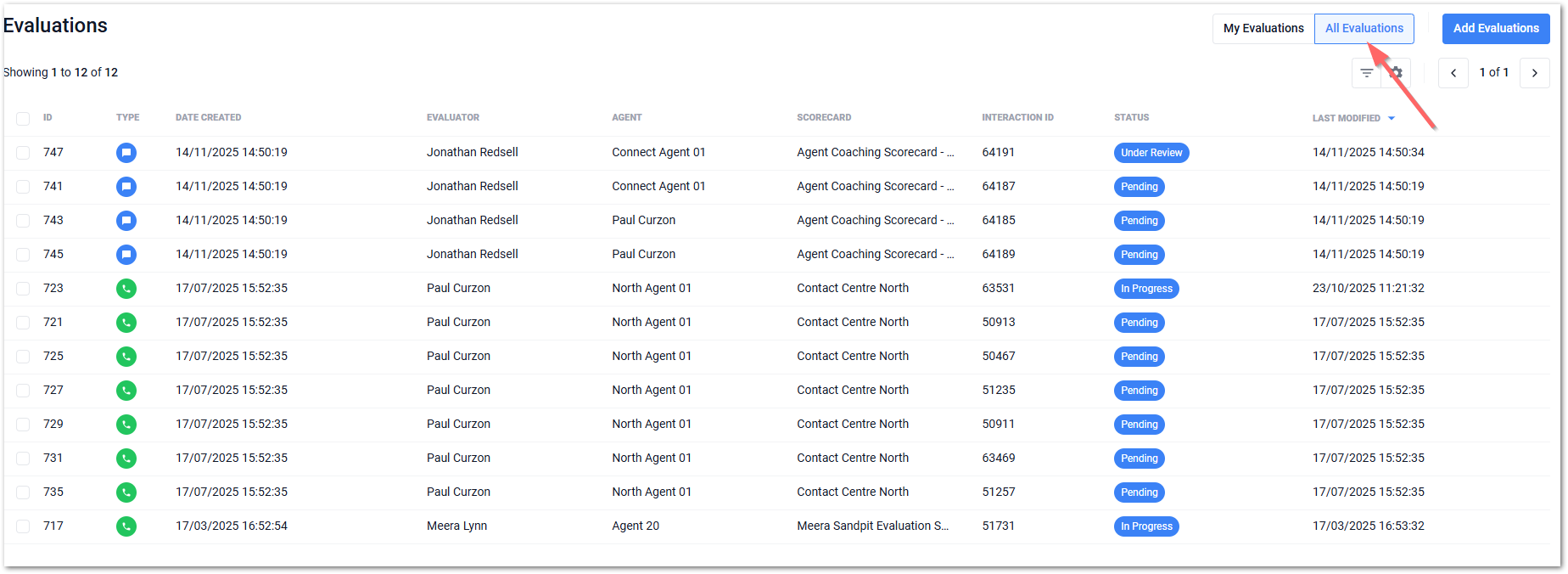
To view evaluations that are not complete, in progress, awaiting responses. You will need to look at the Evaluation tab and then select All Evaluations
In Liberty Converse v5x it is like this
If you are using Liberty Converse CX, this option has not been added as yet but watch this space.
Have you checked out this tab? Which version of Converse are you running?
Kind Regards.
Jonathan