Hi there,
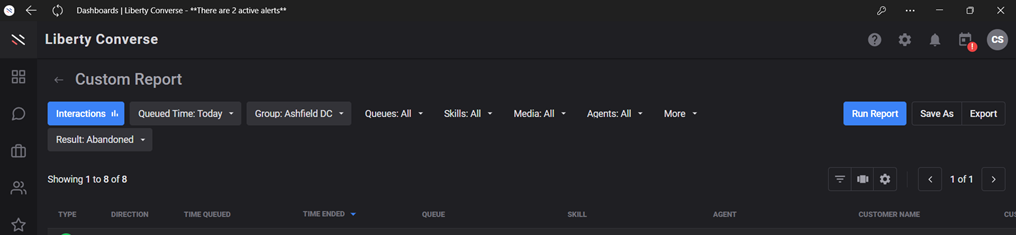
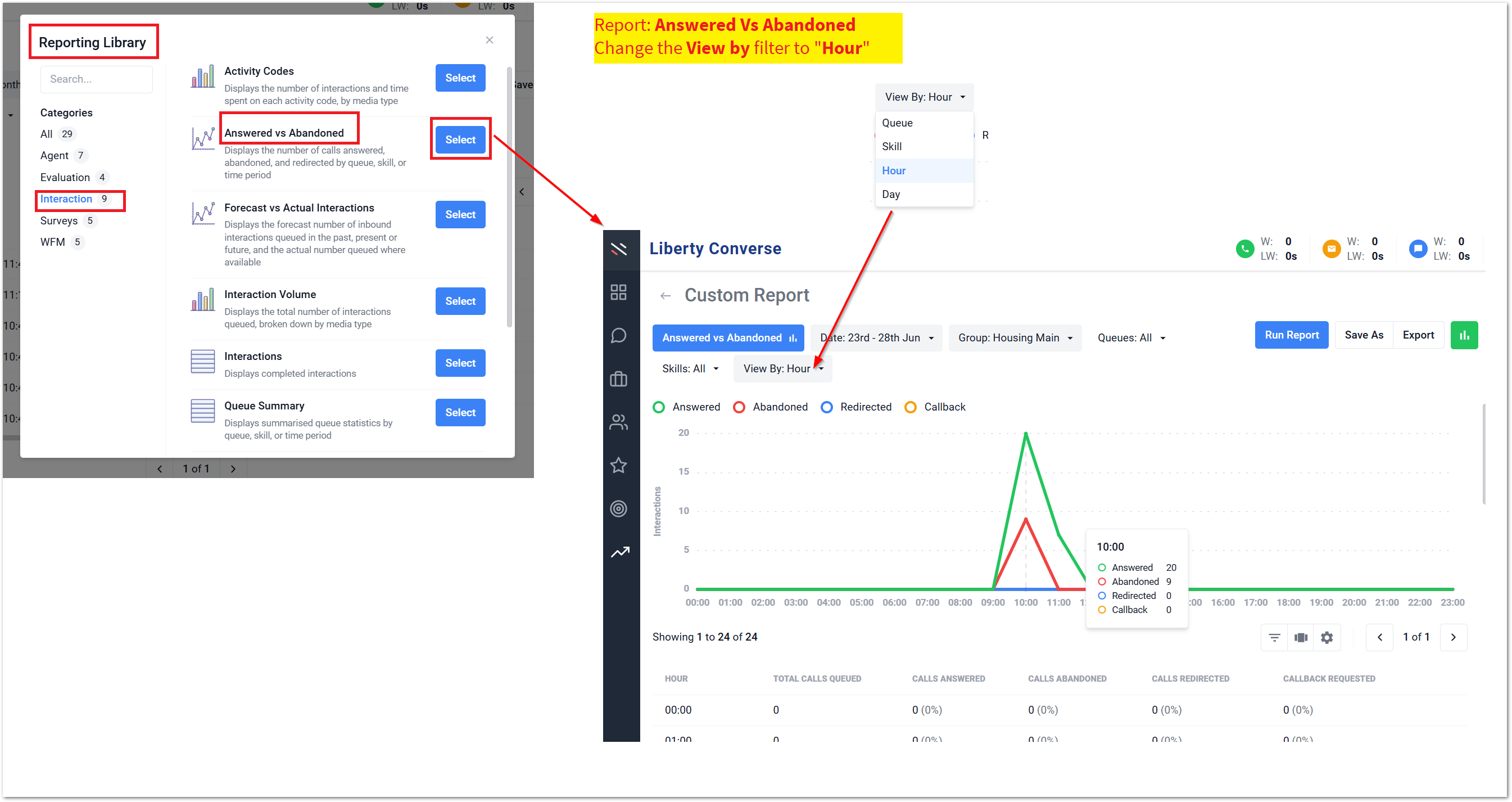
Not sure if I’m missing a trick somewhere, but doing the monthly call stats I’ve seen the Abandoned call increase so I’m trying to find out when those calls were.
I’d like to track them down to see if there are any patterns in terms of times of day/staffing etc. However, I can’t find an obvious way to pull a report of all the abandoned calls for the month. I know that I could pull a report of all interactions, export the report and then filter by Result in a spreadsheet, but that feels like a but of a faff, especially as it feels like there could well be a simpler way to do it within the reporting tool.
Any advice/guidance gratefully received - even if it’s not the answer I’m hoping for. 
Cheers, Chris.