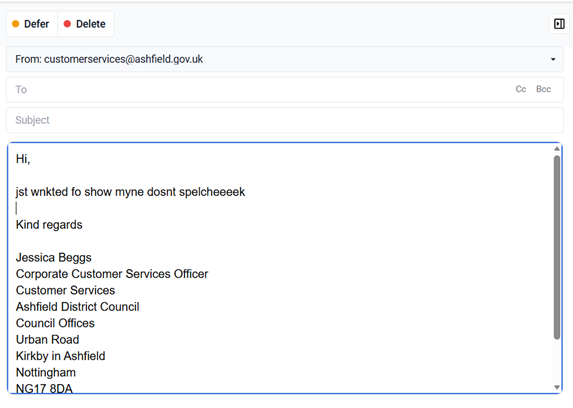
I have had Customer Services advisors reporting that when replying to an email the system doesn’t have a spell check so this morning I demonstrated it to them.
I’ve now had an advisor prove to me that it doesn’t spell check when she responds to an email, anybody any ideas? I can’t find a setting or anything and am now stuck for ideas.
Hey Cathy!
If you use the browser version of the Agent Desktop, there’ a free spellchecker called Grammarly (link below) that’s an add-on to any browser and can do the job you want!
It helps with spelling, grammar and makes suggestions to change the structure of a sentence - it’s quite useful. Depending on how strict your IT team are, they may need to install it for you.
We have discovered that some of our Customer Service advisors have the spell check setting turned off on their browser, resetting this has solved the issue.
I’m also going to investigate the suggestion by @ross_mcqueen if our ICT department will allow it.